
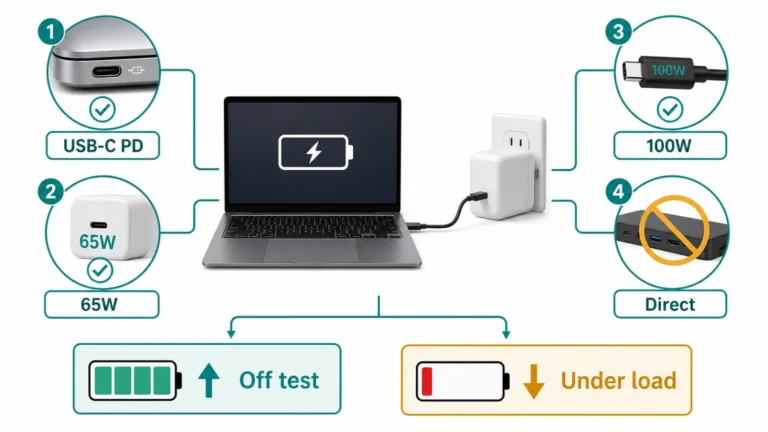
Laptop USB-C Not Charging: Test Wattage, Cable, and PD
The port, charger, cable, and PD negotiation form one power chain. Test it directly and compare charging while off with battery drain…
EN Knowledge hub
English repair and troubleshooting guides for phones, washers, appliances, internet issues, and error codes, including iPhone liquid detected, Samsung washer UE/Ub/Ur, LG washer UE/Ub, and safe external checks before paid repair.
Start with the strongest guides
These guides cover the highest-intent global searches first: iPhone charging warnings, washer error codes, router lights, dishwasher drain errors, and Windows startup faults.
Choose the guide closest to the symptom you see, then follow the checks in order.
The port, charger, cable, and PD negotiation form one power chain. Test it directly and compare charging while off with battery drain…
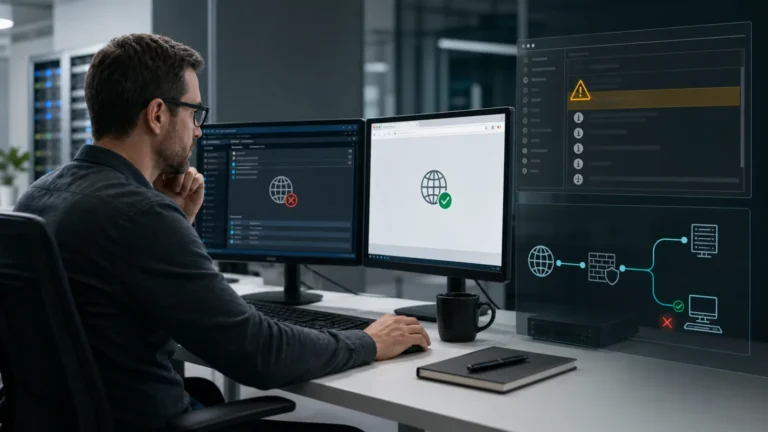
If one legacy app lost network access after the July 2026 update, Event ID 16003 can prove an unregistered TDI transport was…
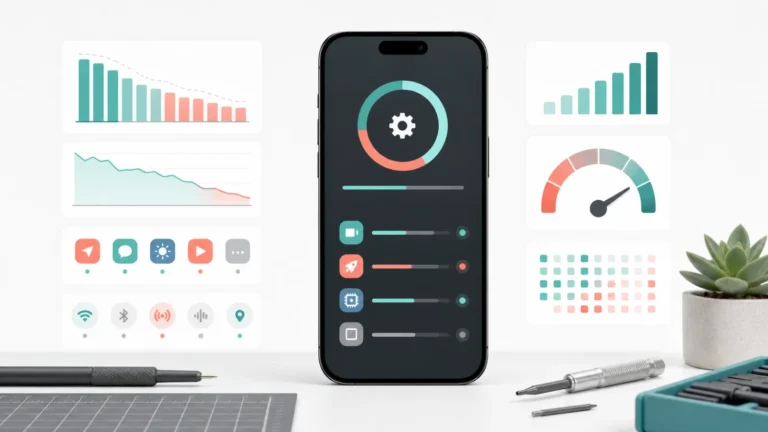
Separate ongoing update work, one app, weak signal, and battery condition with repeatable tests before disabling features or booking service.
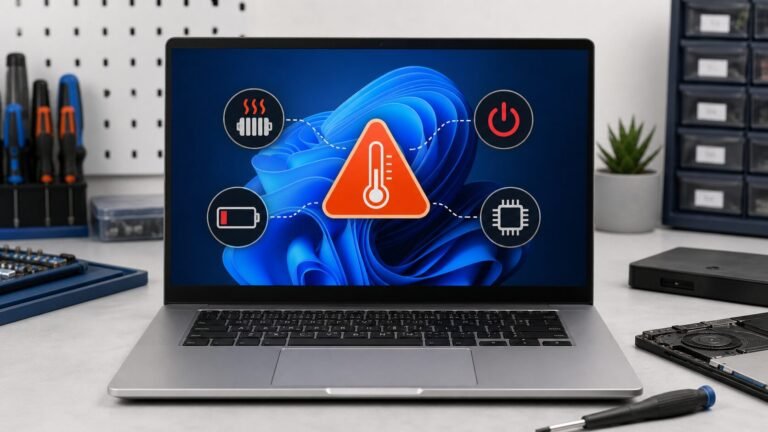
Microsoft released the out-of-band KB5121767 update for a limited set of affected devices, including Dell PCs previously blocked from receiving KB5101650.
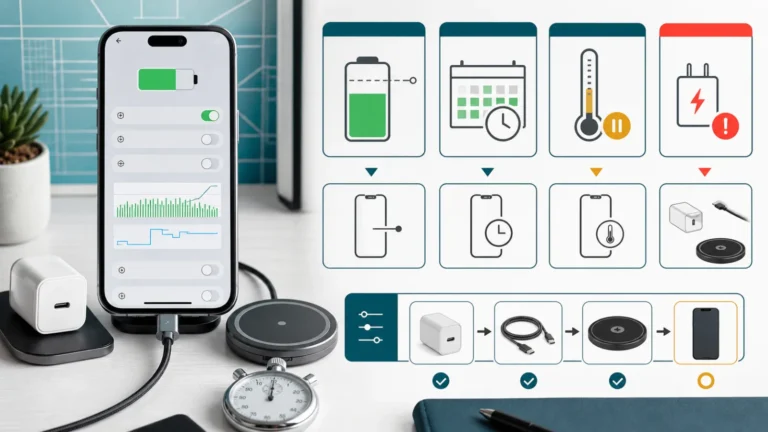
Use the iOS Battery card to separate Charge Limit, optimized charging, temperature hold, Slow Charger, and an incompatible source before buying accessories.
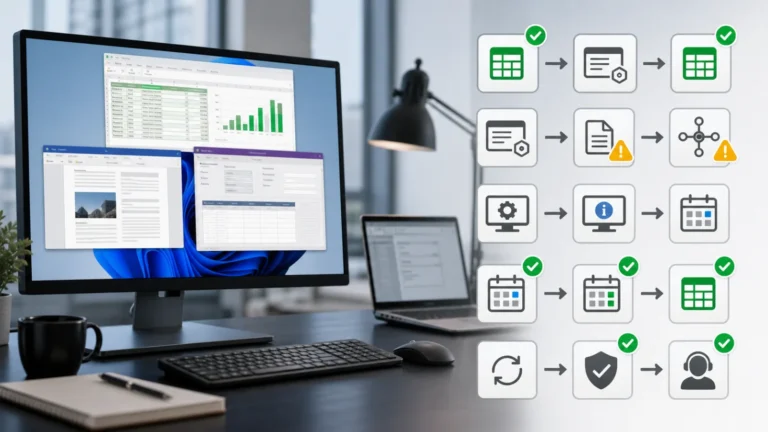
Direct Office launch versus third-party OLE launch identifies the June issue; Microsoft says July 14 updates such as KB5101650 resolve it.
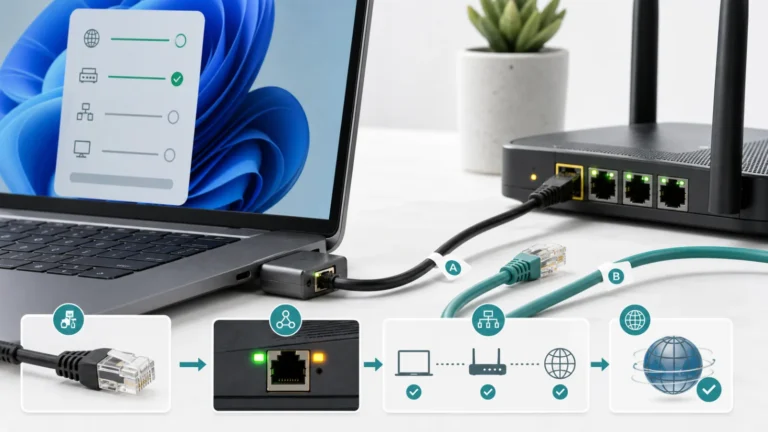
Separate no physical link, failed DHCP, and valid local network before touching drivers or Network Reset.
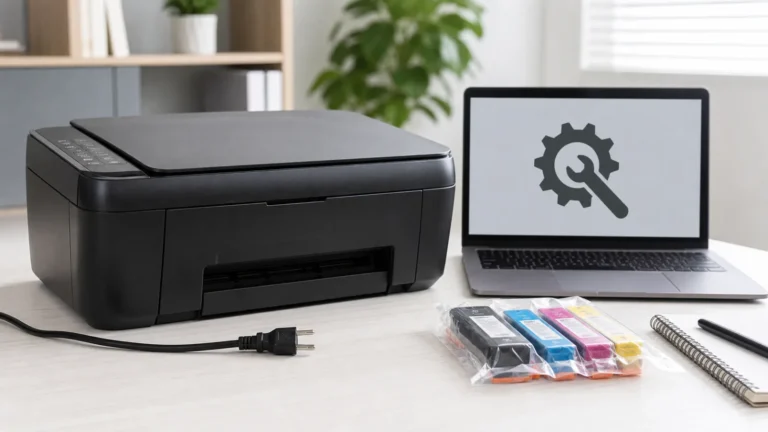
Canon classifies B200 as a service error. Power down safely, record the exact PIXMA model, and avoid cartridge or print-head guesses.
Separate a dead HDMI path from a 4K, HDR, VRR, or 120 Hz handshake problem before resetting or repairing an Xbox Series…
Start with the device name, model, exact message, and when the issue appears. Then choose the closest guide instead of trying random fixes.
Because an imbalance warning can behave differently by model. Start with the brand, load type, and exact code before assuming a broken part.
No. They help with safe external diagnosis, but internal electrical, gas, battery, or sealed-part work needs qualified service.