
Galaxy S23 Moisture Detected: Dry USB-C Before Charging
Unplug first, dry the Galaxy S23 USB-C port safely, avoid heat and tools, and know when wireless charging or service is appropriate.
EN Knowledge hub
English repair and troubleshooting guides for phones, washers, appliances, internet issues, and error codes, including iPhone liquid detected, Samsung washer UE/Ub/Ur, LG washer UE/Ub, and safe external checks before paid repair.
Start with the strongest guides
These guides cover the highest-intent global searches first: iPhone charging warnings, washer error codes, router lights, dishwasher drain errors, and Windows startup faults.
Choose the guide closest to the symptom you see, then follow the checks in order.
Unplug first, dry the Galaxy S23 USB-C port safely, avoid heat and tools, and know when wireless charging or service is appropriate.
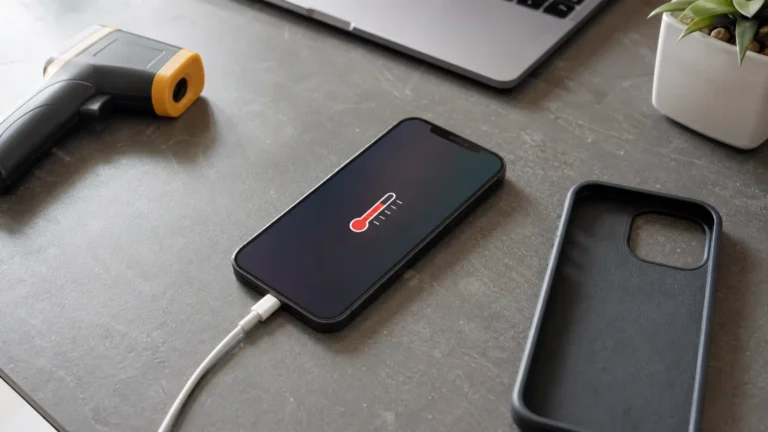
A controlled 15-minute test separates normal charging warmth from workload, cable, MagSafe, battery and thermal-warning problems.
Start with the device name, model, exact message, and when the issue appears. Then choose the closest guide instead of trying random fixes.
Because an imbalance warning can behave differently by model. Start with the brand, load type, and exact code before assuming a broken part.
No. They help with safe external diagnosis, but internal electrical, gas, battery, or sealed-part work needs qualified service.